
Uses official APIs and secure data practices
Playlist organizer for every music platform
Ever asked yourself "how to delete playlist on spotify" or looked for a spotify duplicate remover? Well, you're in luck! We've built the perfect playlist organizer that works on any music platform, not just on Spotify!
Organizing playlists has never been easier
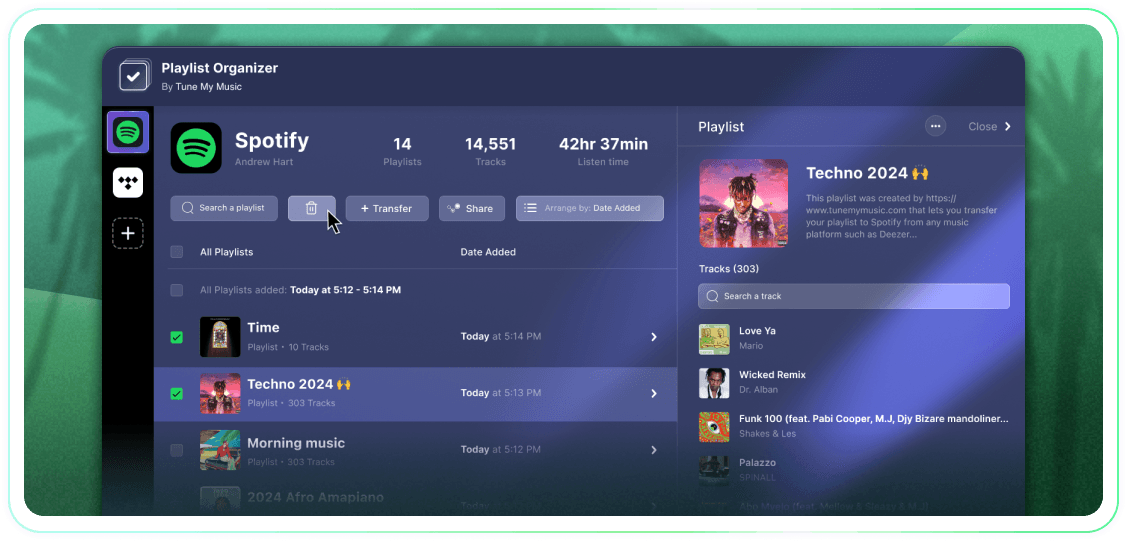
Take full control of your playlists with bulk actions, groupings by date-added, and one click to unfollow or delete. It's a simple tool that gets the job done.
Tune My Music is The official music transfer solution, trusted by the biggest brands in the industry
How to delete Spotify playlist?
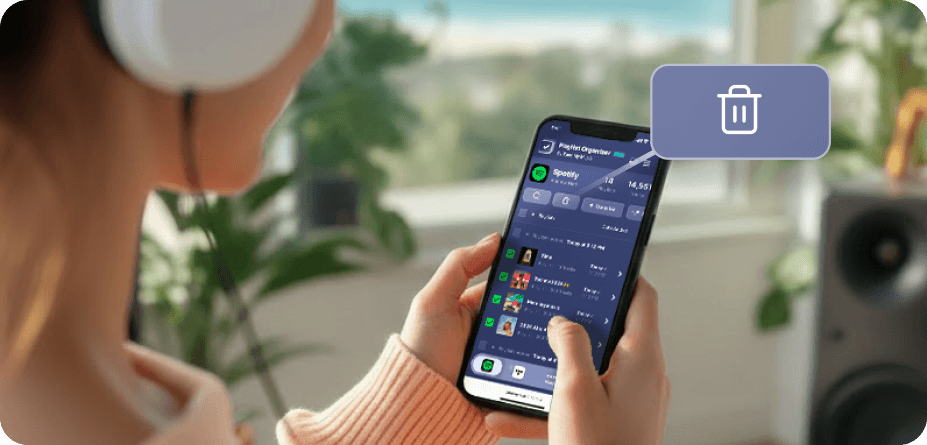
On Spotify (and many other platforms), there are no native bulk select and delete buttons.So when you need to delete more than one playlist, you'll find it takes forever and feels far more difficult than it should.That's why we built the Playlist Organizer.Now you can select as many playlists as you want and delete them all in one click, from any device - desktop or mobile.
How can I remove more than 1 playlist at a time?
Use the Playlist Organizer to streamline the process. Start by browsing your collection and selecting any number of playlists you wish to remove by clicking the checkboxes next to them. Once you have made your selection, click the delete button - and you’re done. This allows you to manage and declutter your Spotify account effortlessly, regardless of how many playlists you want to remove at once.
What happens to a playlist that I unfollow?
When you remove a playlist via the Tune My Music Playlist Organizer, our tool uses the Spotify API to "unfollow" it from your account. This instantly clears the playlist from your library and profile sidebar, though it remains on Spotify’s servers. This approach ensures your deletion is non-destructive: followers won’t lose access, and you can fully restore the playlist later through your Spotify "Recover Playlists" page or by using its direct link. Please note that while unfollowed, you lose the ability to edit the playlist’s tracks or title until you follow it again.
Playlist Organizer
By Tune My Music