
Hivatalos API-kat és biztonságos adatkezelési gyakorlatokat használ
Lejátszási lista szervező minden zenei platformhoz
Feltetted már magadnak a kérdést, hogy „hogyan lehet törölni a lejátszási listákat a Spotify-on”, vagy kerestél egy spotify duplikátum-eltávolítót? Nos, szerencséd van! Megalkottuk a tökéletes lejátszási lista szervezőt, amely bármilyen zenei platformon működik, nem csak a Spotify-on!
A lejátszási listák rendszerezése még soha nem volt ilyen egyszerű
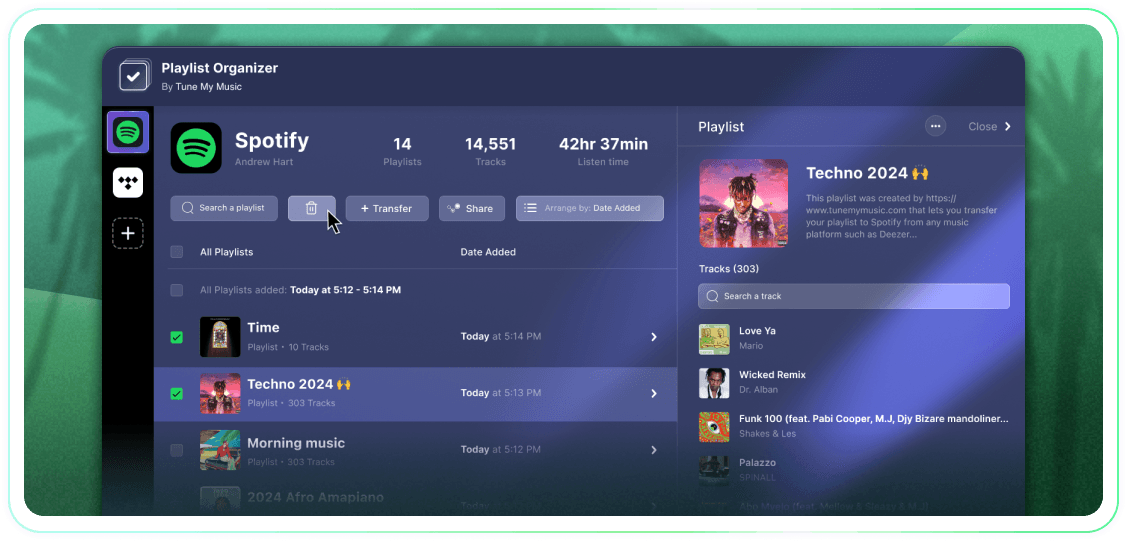
Vegye át teljes irányítását a lejátszási listái felett tömeges műveletekkel, a hozzáadás dátuma szerinti csoportosítással, és egyetlen kattintással a követés megszüntetésével vagy törlésével. Ez egy egyszerű eszköz, amely elvégzi a munkát.
A Tune My Music A hivatalos zeneátviteli megoldás, amelyben az iparág legnagyobb márkái bíznak.
Hogyan lehet törölni a Spotify lejátszási listát?
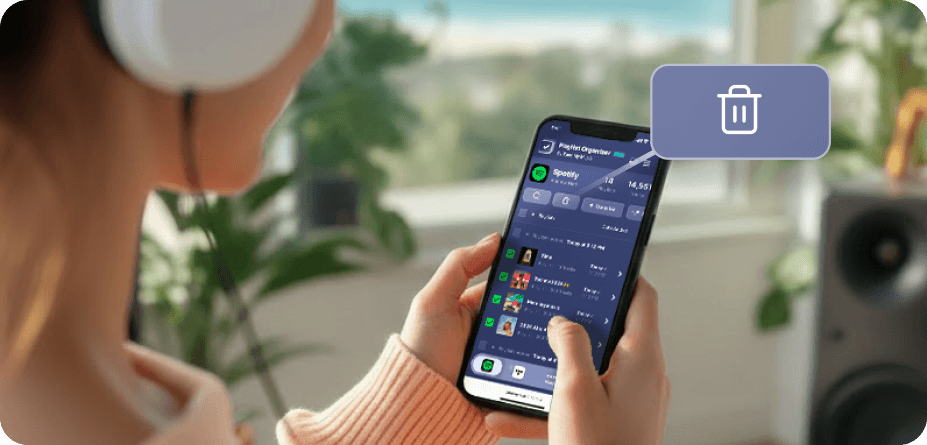
A Spotify-on (és sok más platformon) nincsenek natív tömeges kijelölési és törlési gombok.Tehát amikor több lejátszási listát kell törölnie, valószínűleg örökké tart, és sokkal nehezebbnek tűnik, mint amilyennek lennie kellene.Ezért készítettük el a Lejátszási lista szervezőt.Most már annyi lejátszási listát választhatsz, amennyit csak akarsz, és egy kattintással törölheted őket bármely eszközről - asztali vagy mobil.
Hogyan tudok egyszerre több lejátszási listát eltávolítani?
Használja a Lejátszási lista szervezőt a folyamat egyszerűsítésére.Kezdje azzal, hogy böngészi a gyűjteményét, és válassza ki azokat a lejátszási listákat, amelyeket el szeretne távolítani a mellettük lévő jelölőnégyzetekre kattintva.Miután kiválasztottad, kattints a törlés gombra - és kész is vagy.Ez lehetővé teszi, hogy könnyedén kezelje és rendbe rakja a Spotify fiókját, függetlenül attól, hogy hány lejátszási listát szeretne egyszerre eltávolítani.
Mi történik egy olyan lejátszási listával, amelynek a követését leiratkozom?
Amikor egy lejátszási listát eltávolít a Tune My Music Lejátszási lista szervezőjén keresztül, eszközünk a Spotify API-t használja annak "leiratkozására" az Ön fiókjából.Ez azonnal törli a lejátszási listát a könyvtárából és a profil oldalsávjából, bár az továbbra is a Spotify szerverein marad.Ez a megközelítés biztosítja, hogy a törlés nem destruktív: a követők nem veszítik el a hozzáférést, és később teljesen visszaállíthatja a lejátszási listát a Spotify "Lejátszási listák helyreállítása" oldalán keresztül, vagy közvetlen hivatkozás használatával.Kérjük, vegye figyelembe, hogy ha leiratkozik, elveszíti a lehetőséget, hogy szerkeszthesse a lejátszási lista számait vagy címét, amíg újra nem iratkozik.
Lejátszási lista szervezője
Által Tune My Music