
Menggunakan API resmi dan praktik data yang aman.
Pengelola daftar putar untuk setiap platform musik
Pernahkah Anda bertanya pada diri sendiri "bagaimana cara menghapus playlist di Spotify" atau mencari penghapus duplikat Spotify? Nah, Anda beruntung! Kami telah membuat pengatur playlist sempurna yang berfungsi di platform musik apa pun, bukan hanya di Spotify!
Mengatur daftar putar tidak pernah semudah ini.
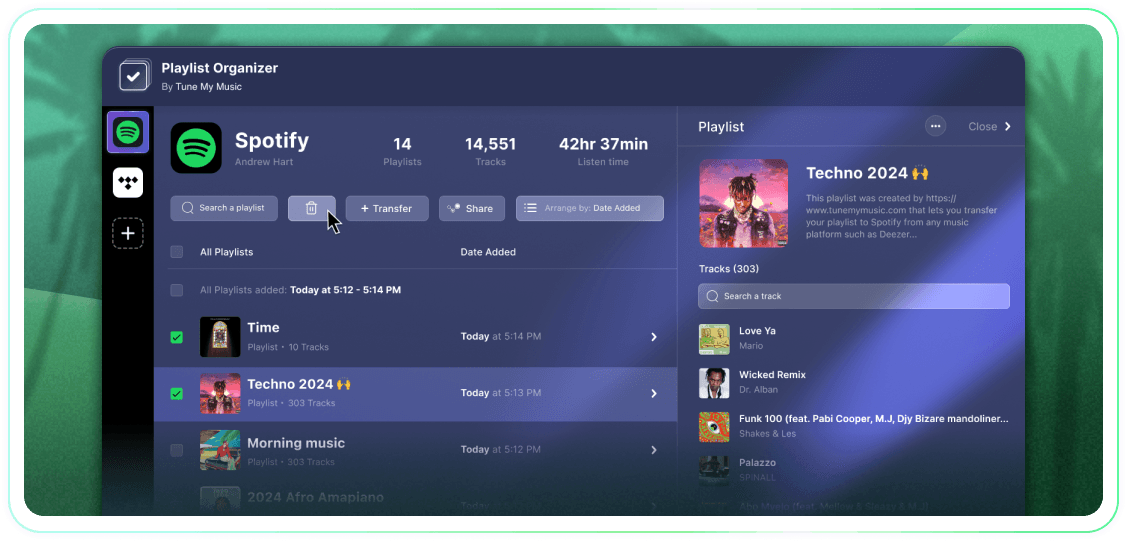
Kendalikan sepenuhnya daftar putar Anda dengan tindakan massal, pengelompokan berdasarkan tanggal penambahan, dan satu klik untuk berhenti mengikuti atau menghapus. Ini adalah alat sederhana yang efektif.
Tune My Music adalah Solusi transfer musik resmi, yang dipercaya oleh merek-merek terbesar di industri ini.
Bagaimana cara menghapus playlist Spotify?
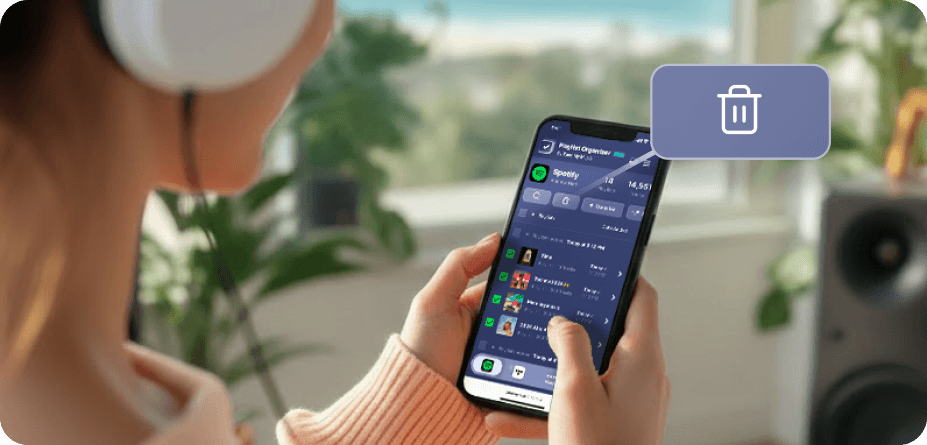
Di Spotify (dan banyak platform lainnya), tidak ada tombol pilih dan hapus massal bawaan.Jadi, ketika Anda perlu menghapus lebih dari satu playlist, Anda akan merasa proses ini memakan waktu lama dan jauh lebih sulit dari seharusnya.Itulah mengapa kami membangun Pengelola Playlist.Sekarang Anda dapat memilih sebanyak mungkin playlist yang Anda inginkan dan menghapusnya semua dalam satu klik, dari perangkat mana pun - desktop atau seluler.
Bagaimana cara menghapus lebih dari 1 playlist sekaligus?
Gunakan Pengelola Playlist untuk menyederhanakan proses.Mulailah dengan menjelajahi koleksi Anda dan memilih sejumlah playlist yang ingin Anda hapus dengan mengklik kotak centang di sampingnya.Setelah Anda membuat pilihan, klik tombol hapus - dan Anda selesai.Ini memungkinkan Anda untuk mengelola dan merapikan akun Spotify Anda dengan mudah, terlepas dari berapa banyak playlist yang ingin Anda hapus sekaligus.
Apa yang terjadi pada playlist yang saya unfollow?
Saat Anda menghapus playlist melalui Pengelola Playlist Tune My Music, alat kami menggunakan API Spotify untuk "tidak mengikuti" playlist tersebut dari akun Anda.Ini segera menghapus playlist dari perpustakaan dan sidebar profil Anda, meskipun tetap ada di server Spotify.Pendekatan ini memastikan penghapusan Anda tidak merusak: pengikut tidak akan kehilangan akses, dan Anda dapat sepenuhnya mengembalikan playlist later melalui halaman "Pulihkan Playlist" Spotify Anda atau dengan menggunakan tautan langsungnya.Perhatikan bahwa saat tidak mengikuti, Anda kehilangan kemampuan untuk mengedit trek atau judul playlist hingga Anda mengikuti lagi.
Pengatur Daftar Putar
Oleh Tune My Music