
Maakt gebruik van officiële API's en veilige gegevensverwerkingspraktijken.
Playlist-organizer voor elk muziekplatform
Heb je jezelf ooit afgevraagd "hoe verwijder ik een afspeellijst op Spotify" of gezocht naar een tool om dubbele nummers op Spotify te verwijderen? Dan heb je geluk! We hebben de perfecte afspeellijstorganizer ontwikkeld die werkt op elk muziekplatform, niet alleen op Spotify!
Het organiseren van afspeellijsten is nog nooit zo eenvoudig geweest.
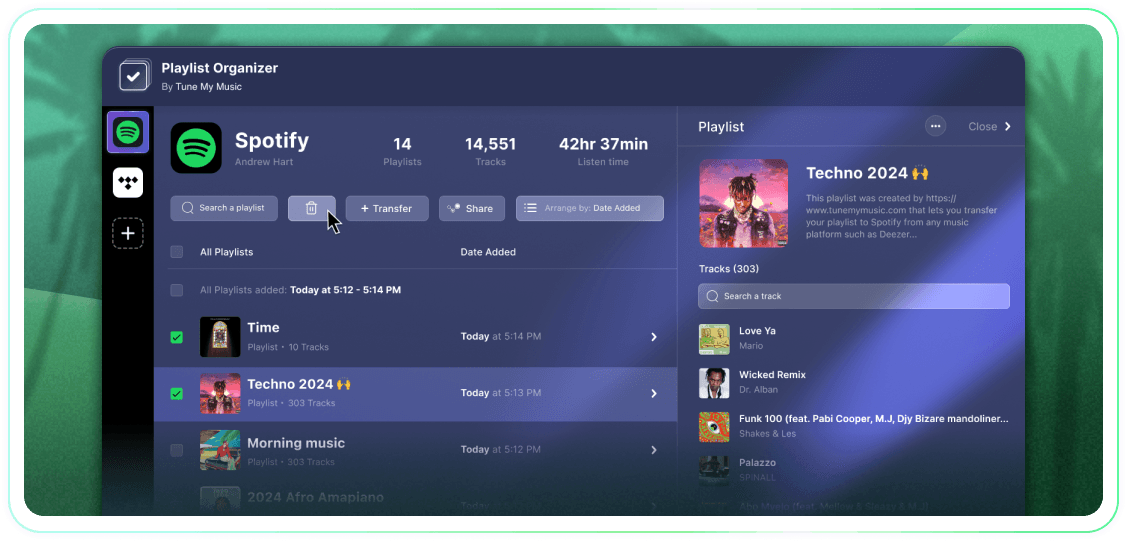
Neem de volledige controle over je afspeellijsten met bulkacties, groeperingen op toevoegingsdatum en de mogelijkheid om met één klik te stoppen met volgen of te verwijderen. Het is een eenvoudige tool die doet wat hij moet doen.
Tune My Music is De officiële oplossing voor muziekoverdracht, vertrouwd door de grootste merken in de branche.
Hoe verwijder ik een Spotify-afspeellijst?
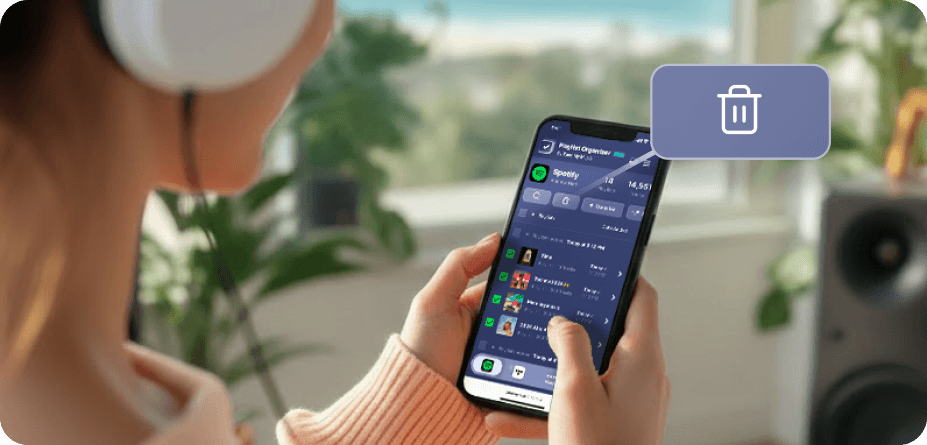
Op Spotify (en vele andere platforms) zijn er geen native knoppen voor bulkselectie en -verwijdering.Dus als je meer dan één playlist wilt verwijderen, merk je dat het eeuwig duurt en veel moeilijker voelt dan het zou moeten.Daarom hebben we de Playlist Organiser gebouwd.Nu kun je zoveel afspeel lijsten selecteren als je wilt en ze allemaal in één klik verwijderen vanaf elk apparaat - desktop of mobiel.
Hoe kan ik meerdere afspeellijsten tegelijk verwijderen?
Gebruik de Playlist Organiser om het proces te stroomlijnen.Begin met het doorbladeren van je collectie en selecteer een aantal playlists die je wilt verwijderen door op de checkboxen ernaast te klikken.Zodra je je selectie hebt gemaakt, klik je op de verwijderknop - en je bent klaar.Dit stelt je in staat om je Spotify-account moeiteloos te beheren en op te ruimen, ongeacht hoeveel playlists je tegelijk wilt verwijderen.
Wat gebeurt er met een afspeellijst die ik niet meer volg?
Wanneer je een playlist verwijdert via de Tune My Music Playlist Organiser, gebruikt onze tool de Spotify API om deze van je account te "ontvolgen".Dit verwijdert de playlist onmiddellijk uit je bibliotheek en profiel zijbalk, hoewel deze op de servers van Spotify blijft staan.Deze aanpak zorgt ervoor dat je verwijdering niet destructief is: volgers verliezen geen toegang en je kunt de playlist later volledig herstellen via je Spotify "Herstel Playlists"-pagina of door de directe link te gebruiken.Let op: terwijl je niet gevolgd hebt, verlies je de mogelijkheid om de tracks of titel van de playlist te bewerken totdat je deze weer volgt.
Organiseer afspeellijsten
Door Tune My Music