
Bruker offisielle API-er og sikre datapraksiser
Spillelisteorganisator for alle musikkplattformer
Har du noen gang spurt deg selv «hvordan sletter du en spilleliste på Spotify» eller lett etter et program som fjerner duplikat på Spotify? Da har du flaks! Vi har laget den perfekte spillelisteorganisatoren som fungerer på alle musikkplattformer, ikke bare på Spotify!
Det har aldri vært enklere å organisere spillelister
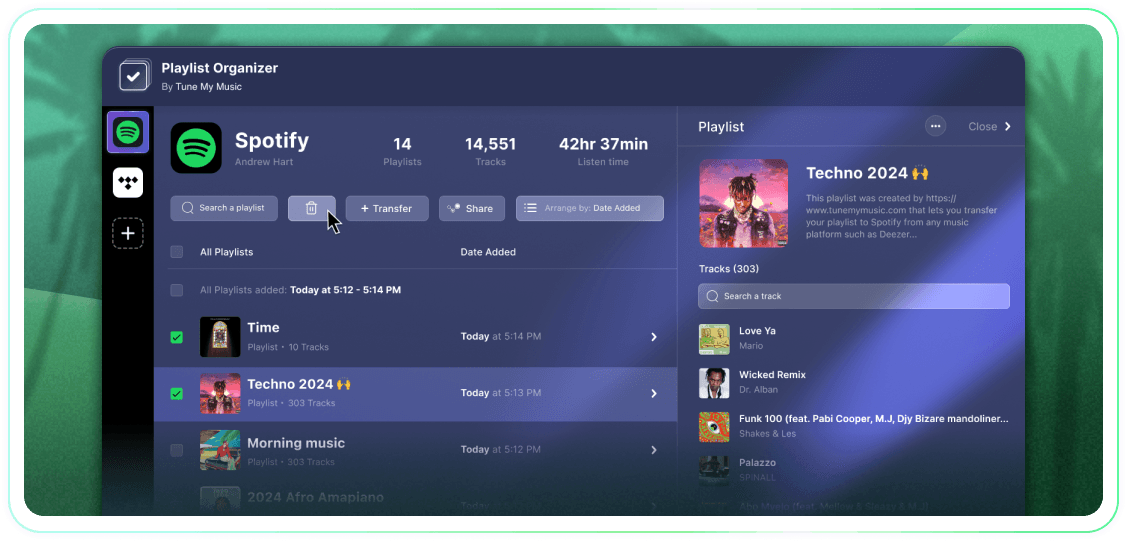
Ta full kontroll over spillelistene dine med massehandlinger, grupperinger etter dato lagt til og ett klikk for å slutte å følge eller slette. Det er et enkelt verktøy som får jobben gjort.
Tune My Music er Den offisielle musikkoverføringsløsningen, som er betrodd av de største merkene i bransjen
Hvordan sletter man en Spotify-spilleliste?
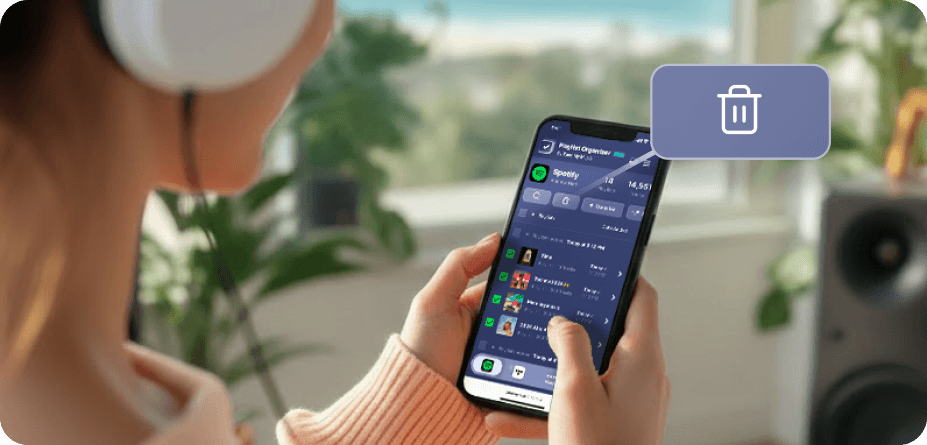
På Spotify (og mange andre plattformer) finnes det ingen innebygde knapper for å velge og slette flere samtidig.Så når du trenger å slette mer enn én spilleliste, vil du oppdage at det tar evigheter og føles langt mer vanskelig enn det burde.Det er derfor vi bygde Spillelisteorganisatoren.Nå kan du velge så mange spillelister som du vil og slette dem alle med ett klikk, fra hvilken som helst enhet - stasjonær eller mobil.
Hvordan kan jeg fjerne mer enn én spilleliste om gangen?
Bruk Spillelisteorganisatoren for å forenkle prosessen.Start med å bla gjennom samlingen din og velge et hvilket som helst antall spillelister du ønsker å fjerne ved å klikke på avmerkingsboksene ved siden av dem.Når du har gjort ditt valg, klikker du på sletteknappen - og så er du ferdig.Dette lar deg administrere og rydde opp i Spotify-kontoen din uten problemer, uansett hvor mange spillelister du ønsker å fjerne på en gang.
Hva skjer med en spilleliste jeg slutter å følge?
Når du fjerner en spilleliste via Tune My Music Spillelisteorganisator, bruker verktøyet vårt Spotify API for å "avfølge" den fra kontoen din.Dette fjerner spillelisten fra biblioteket og profilen din umiddelbart, selv om den forblir på Spotifys servere.Denne tilnærmingen sikrer at slettingen din er ikke-destruktiv: følgere vil ikke miste tilgang, og du kan gjenopprette spillelisten fullt ut senere gjennom din Spotify "Gjenopprett spillelister"-side eller ved å bruke den direkte linken.Vennligst merk at mens du ikke følger, mister du muligheten til å redigere sporene eller tittelen i spillelisten til du følger den igjen.
Spillelisteorganisator
Ved Tune My Music