
Folosește API-uri oficiale și practici de date securizate
Organizator de liste de redare pentru fiecare platformă muzicală
Te-ai întrebat vreodată „cum să ștergi o listă de redare de pe Spotify” sau ai căutat un instrument de eliminare a duplicatelor de pe Spotify? Ei bine, ai noroc! Am construit organizatorul perfect de liste de redare care funcționează pe orice platformă muzicală, nu doar pe Spotify!
Organizarea listelor de redare nu a fost niciodată mai ușoară
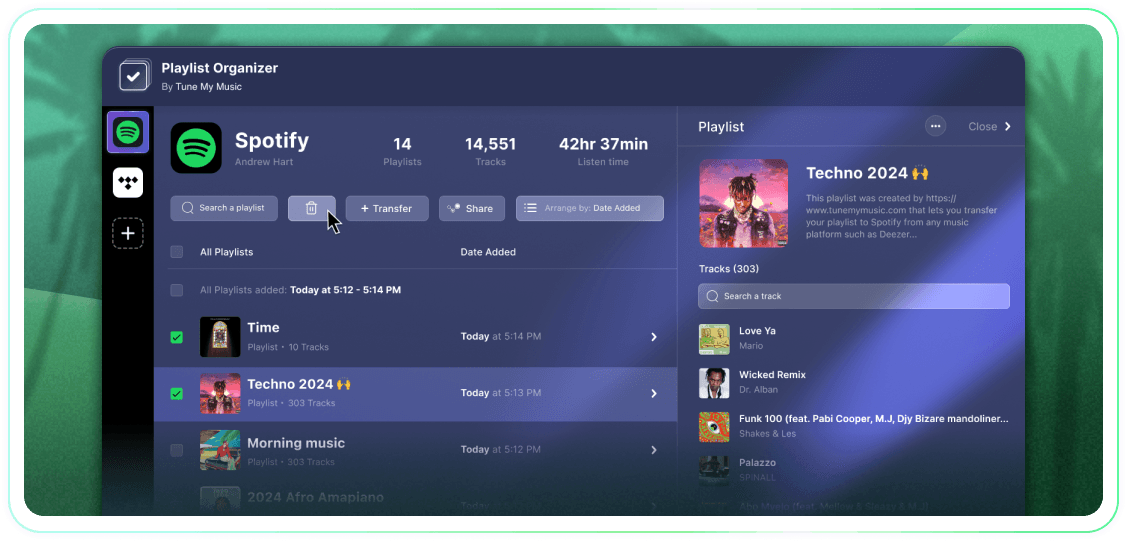
Preia controlul deplin asupra listelor de redare cu acțiuni în bloc, grupări după data adăugării și un singur clic pentru a anula urmărirea sau ștergerea. Este un instrument simplu care își face treaba.
Tune My Music este Soluția oficială de transfer de muzică, în care se bazează cele mai mari branduri din industrie.
Cum se șterge lista de redare Spotify?
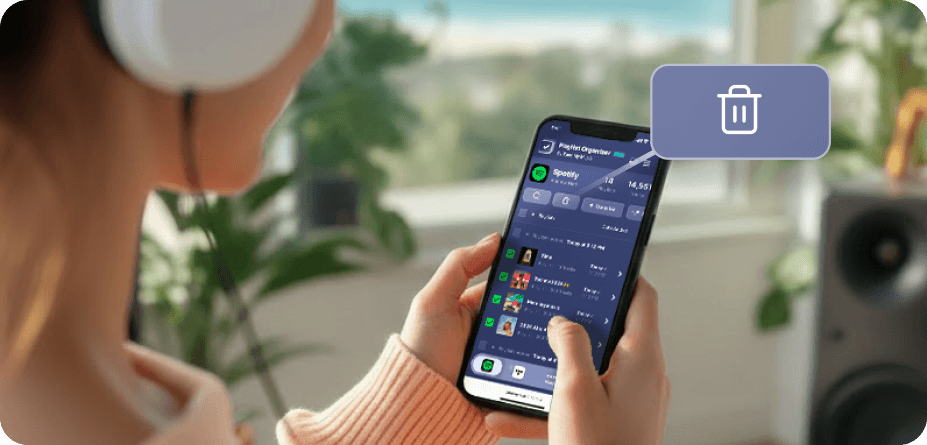
Pe Spotify (și pe multe alte platforme), nu există butoane native pentru selecția și ștergerea în masă.Așa că, atunci când trebuie să ștergi mai mult de un playlist, vei constata că durează o vesnicie și pare mult mai greu decât ar trebui.De aceea am creat Organizerul de Playlist-uri.Acum poți selecta câte liste de redare dorești și să le ștergi pe toate cu un singur clic, de pe orice dispozitiv - desktop sau mobil.
Cum pot elimina mai multe liste de redare simultan?
Folosește Organizerul de Playlist-uri pentru a simplifica procesul.Începe prin a răsfoi colecția ta și selectează orice număr de playlist-uri pe care dorești să le elimini făcând clic pe casetele de selectare de lângă ele.Odată ce ai făcut selecția, apasă butonul de ștergere - și ai terminat.Aceasta îți permite să îți gestionezi și să îți cureți contul Spotify fără efort, indiferent de câte playlist-uri vrei să elimini deodată.
Ce se întâmplă cu o listă de redare pe care nu o mai urmăresc?
Când elimini un playlist prin Organizerul de Playlist-uri Tune My Music, instrumentul nostru folosește API-ul Spotify pentru a "dezabona" de la contul tău.Aceasta elimină instantaneu playlist-ul din biblioteca și bara laterală a profilului tău, deși acesta rămâne pe serverele Spotify.Această abordare asigură că ștergerea ta este nedistructivă: urmăritorii nu vor pierde accesul și poți restaura complet playlist-ul mai târziu prin pagina ta Spotify "Recuperare Playlist-uri" sau folosind linkul său direct.Vă rugăm să rețineți că, în timp ce ați dezabonat, pierdeți capacitatea de a edita piesele sau titlul playlist-ului până când vă abonați din nou.
Organizator de liste de redare
De Tune My Music