
Использует официальные API и безопасные методы обработки данных.
Органайзер плейлистов для всех музыкальных платформ
Вы когда-нибудь задавались вопросом «как удалить плейлист в Spotify» или искали инструмент для удаления дубликатов в Spotify? Вам повезло! Мы создали идеальный органайзер плейлистов, который работает на любой музыкальной платформе, а не только на Spotify!
Организовывать плейлисты стало проще, чем когда-либо.
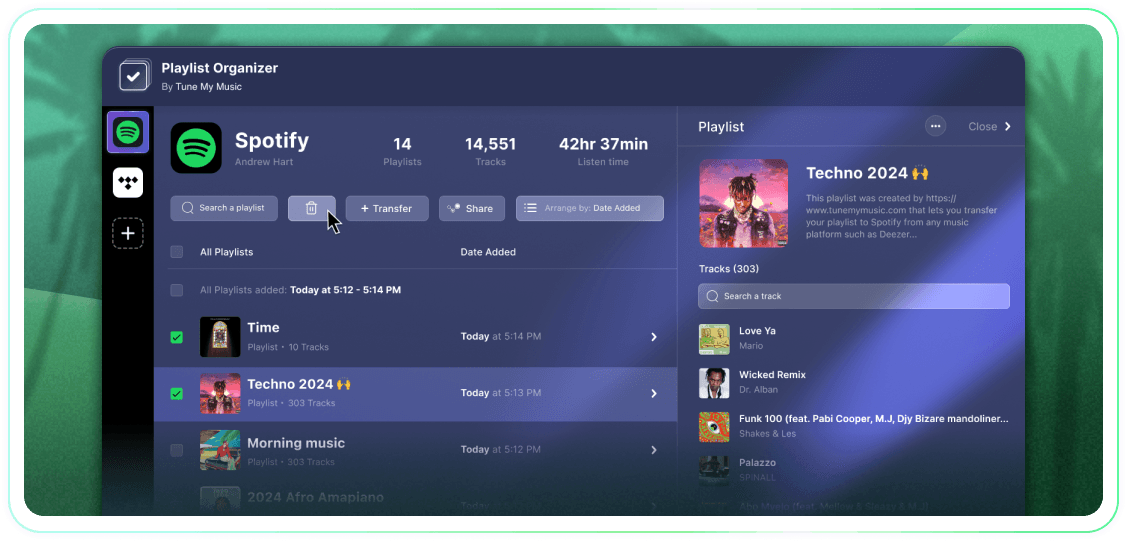
Получите полный контроль над своими плейлистами с помощью массовых действий, группировки по дате добавления и отмены подписки или удаления одним щелчком мыши. Это простой инструмент, который выполняет свою задачу.
Tune My Music — это официальное решение для переноса музыки, которому доверяют крупнейшие бренды в индустрии.
Как удалить плейлист Spotify?
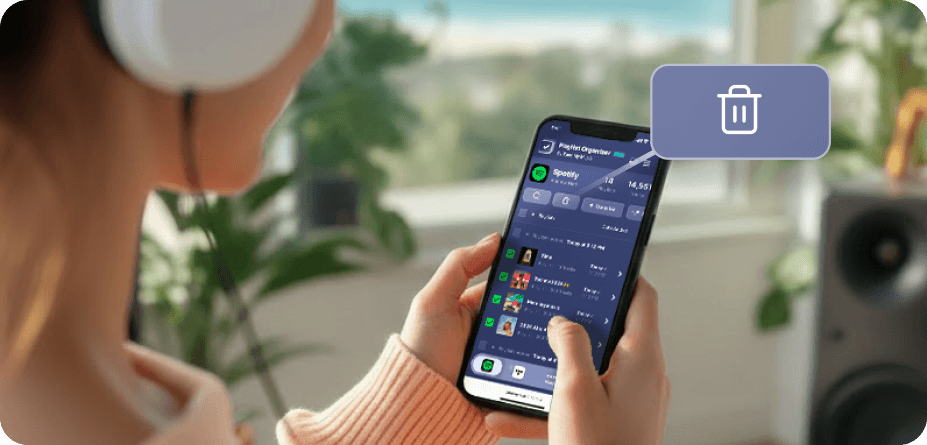
На Spotify (и на многих других платформах) нет родных кнопок массового выбора и удаления.Поэтому, когда вам нужно удалить более одного плейлиста, вы обнаружите, что это занимает вечность и кажется намного более сложным, чем должно быть.Вот почему мы создали Организатор плейлистов.Теперь вы можете выбрать столько плейлистов, сколько хотите, и удалить их одним кликом с любого устройства - настольного или мобильного.
Как удалить более одного плейлиста одновременно?
Используйте Организатор плейлистов для оптимизации процесса.Начните с просмотра вашей коллекции и выберите любое количество плейлистов, которые вы хотите удалить, нажав на чекбоксы рядом с ними.Как только вы сделали свой выбор, нажмите кнопку удаления - и вы закончили.Это позволяет вам легко управлять и упорядочивать свою учетную запись Spotify, независимо от того, сколько плейлистов вы хотите удалить за один раз.
Что происходит с плейлистом, от которого я отписался?
Когда вы удаляете плейлист через Организатор плейлистов Tune My Music, наш инструмент использует API Spotify, чтобы "отписаться" от него в вашем аккаунте.Это мгновенно удаляет плейлист из вашей библиотеки и боковой панели профиля, хотя он остается на серверах Spotify.Этот подход обеспечивает неразрушительное удаление: подписчики не потеряют доступ, и вы сможете полностью восстановить плейлист позже через страницу "Восстановить плейлисты" на Spotify или по его прямой ссылке.Обратите внимание, что, отписавшись, вы теряете возможность редактировать треки или название плейлистов, пока не подпишетесь снова.
Организатор плейлистов
К Tune My Music