
Resmi API'leri ve güvenli veri uygulamalarını kullanır.
Her müzik platformu için çalma listesi düzenleyici.
Hiç "Spotify'da çalma listesini nasıl silerim" diye sordunuz mu veya Spotify'da yinelenen çalma listelerini kaldıran bir araç aradınız mı? Şanslısınız! Sadece Spotify'da değil, herhangi bir müzik platformunda çalışan mükemmel bir çalma listesi düzenleyici geliştirdik!
Çalma listelerini düzenlemek hiç bu kadar kolay olmamıştı.
Toplu işlemler, eklenme tarihine göre gruplandırma ve tek tıklamayla takibi bırakma veya silme gibi özelliklerle çalma listelerinizin tam kontrolünü elinize alın. İşinizi halleden basit bir araç.
Tune My Music, sektörün en büyük markaları tarafından güvenilen Resmi müzik aktarım çözümüdür
Spotify çalma listesi nasıl silinir?
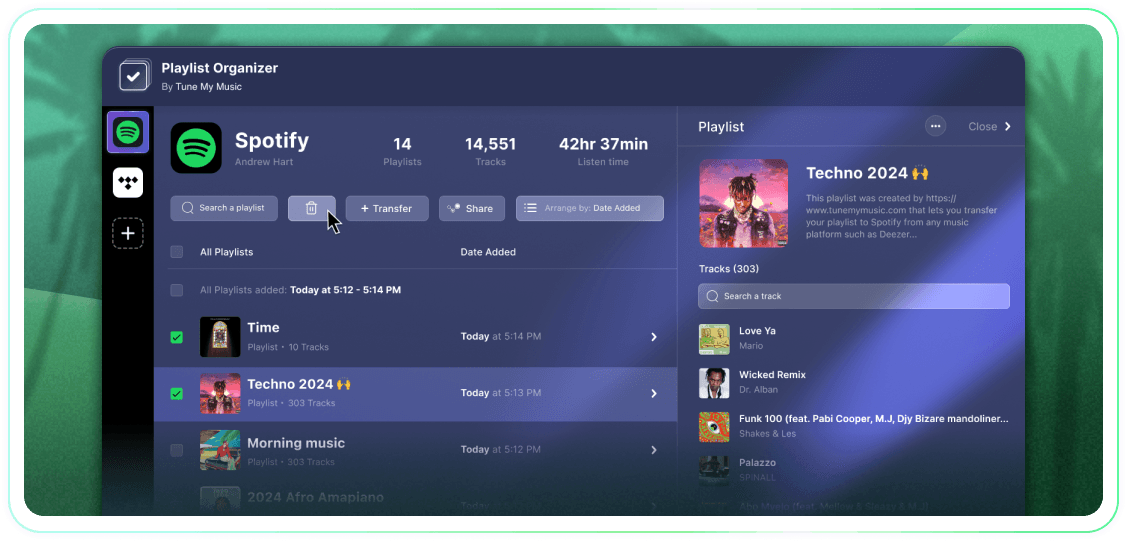
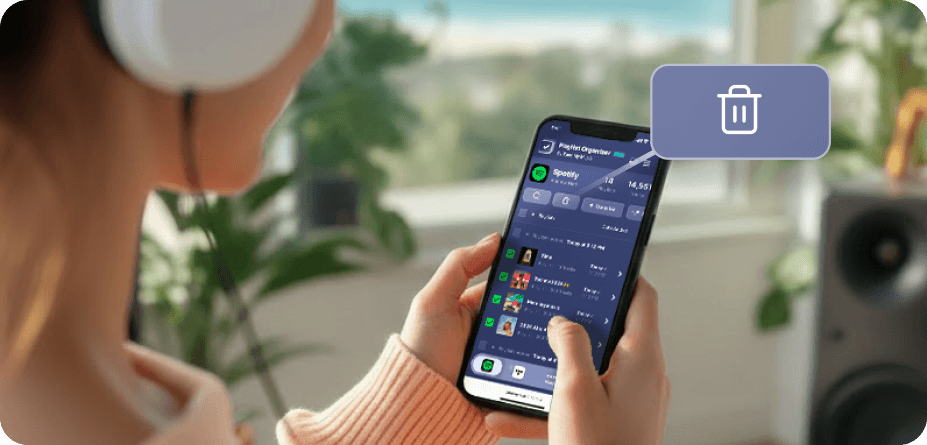
Spotify'da (ve birçok diğer platformda) yerel toplu seçim ve silme butonları yok.Birden fazla çalma listesini silmeniz gerektiğinde bunun sonsuza kadar sürdüğünü ve olması gerekenden çok daha zor göründüğünü bulacaksınız.Bu yüzden Çalma Listeyi Düzenleyici'yi oluşturduk.Artık istediğiniz kadar çalma listesi seçebilir ve bunları tek tıkla herhangi bir cihazdan - masaüstü veya mobil - silebilirsiniz.
Aynı anda birden fazla oynatma listesini nasıl silebilirim?
Süreci basitleştirmek için Çalma Listeyi Düzenleyici'yi kullanın.Koleksiyonunuzu gözden geçirerek başlayın ve kaldırmak istediğiniz çalma listelerinin yanındaki onay kutularını tıklayarak seçin.Seçiminizi yaptıktan sonra sil düğmesine tıklayın - işte bu kadar.Bu, bir seferde kaç çalma listesini kaldırmak istediğinizden bağımsız olarak Spotify hesabınızı zahmetsizce yönetmenizi ve düzenlemenizi sağlar.
Takip etmeyi bıraktığım bir oynatma listesine ne olur?
Tune My Music Çalma Listeyi Düzenleyici aracılığıyla bir çalma listesini kaldırdığınızda, aracımız Spotify API'sini kullanarak onu hesabınızdan "takibi bırakır."Bu, çalma listesini kütüphanenizden ve profil kenar çubuğundan anında temizler, ancak Spotify sunucularında kalır.Bu yaklaşım, silmenin yıkıcı olmadığını garanti eder: takipçiler erişimlerini kaybetmez ve çalma listesini daha sonra Spotify "Çalma Listelerini Kurtar" sayfası veya doğrudan bağlantıyı kullanarak tamamen geri yükleyebilirsiniz.Lütfen dikkat edin, takipten çıktığınızda çalma listesinin parçalarını veya başlığını düzenleme yeteneğinizi kaybedersiniz, tekrar takip etmeden önce.
Çalma Listesi Düzenleyici
İle Tune My Music