
Utiliza API oficiales y prácticas de datos seguras.
Organizador de listas de reproducción para cada plataforma musical.
¿Te has preguntado alguna vez cómo eliminar listas de reproducción en Spotify o has buscado una herramienta para eliminar duplicados? ¡Estás de suerte! Hemos creado el organizador de listas de reproducción perfecto que funciona en cualquier plataforma de música, ¡no solo en Spotify!
Organizar listas de reproducción nunca ha sido tan fácil.
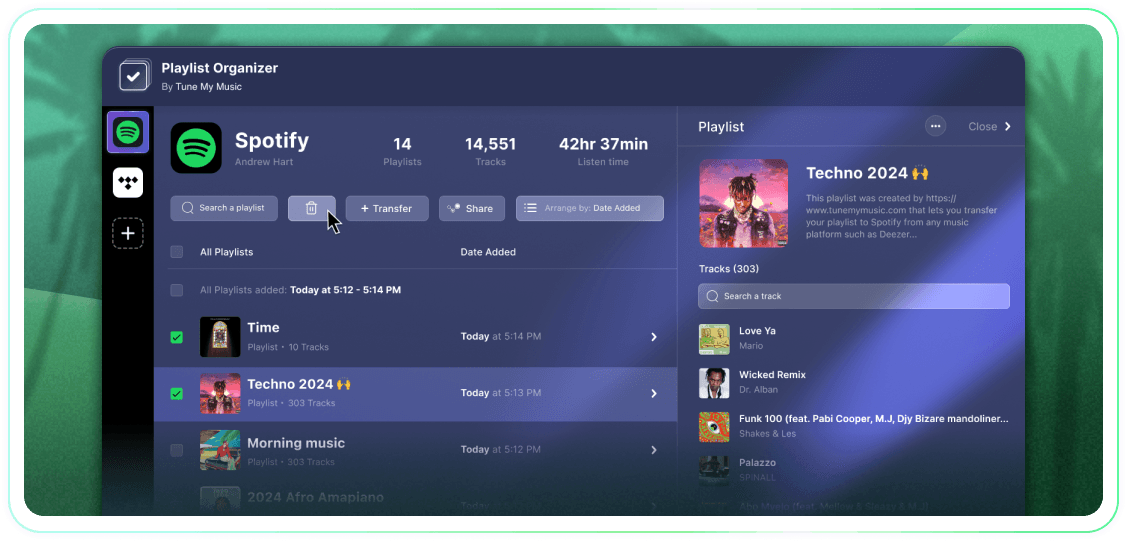
Controla tus listas de reproducción por completo con acciones masivas, agrupaciones por fecha de adición y la opción de dejar de seguir o eliminar con un solo clic. Es una herramienta sencilla y eficaz.
Tune My Music es La solución oficial de transferencia de música, en la que confían las marcas más importantes del sector.
¿Cómo eliminar una lista de reproducción de Spotify?
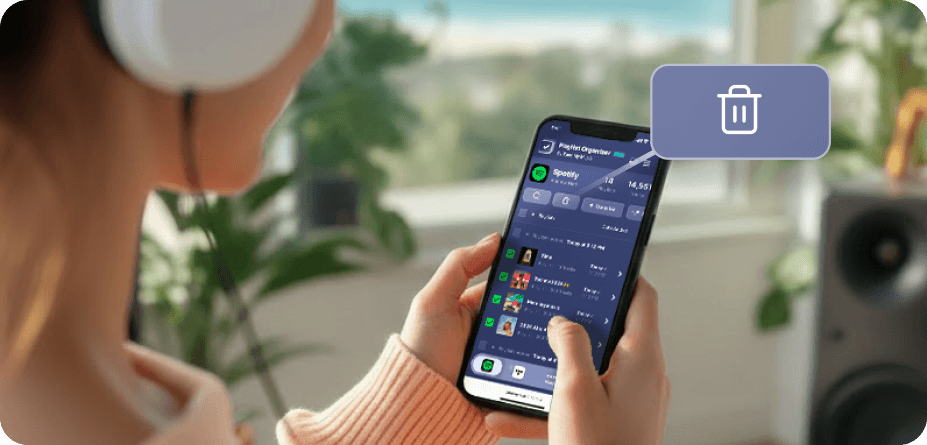
En Spotify (y muchas otras plataformas), no hay botones nativos para seleccionar y eliminar en masa.Así que cuando necesitas eliminar más de una lista de reproducción, descubrirás que tarda una eternidad y se siente mucho más difícil de lo que debería.Por eso construimos el Organizador de listas de reproducción.Ahora puedes seleccionar tantas listas de reproducción como desees y eliminarlas todas de un clic, desde cualquier dispositivo - escritorio o móvil.
¿Cómo puedo eliminar más de una lista de reproducción a la vez?
Usa el Organizador de listas de reproducción para agilizar el proceso.Comienza navegando por tu colección y seleccionando cualquier número de listas de reproducción que desees eliminar haciendo clic en las casillas de verificación junto a ellas.Una vez que hayas hecho tu selección, haz clic en el botón de eliminar - y listo.Esto te permite gestionar y limpiar tu cuenta de Spotify sin esfuerzo, sin importar cuántas listas de reproducción desees eliminar a la vez.
¿Qué sucede con una lista de reproducción que dejo de seguir?
Cuando eliminas una lista de reproducción a través del Organizador de listas de reproducción de Tune My Music, nuestra herramienta utiliza la API de Spotify para "dejar de seguirla" desde tu cuenta.Esto elimina instantáneamente la lista de reproducción de tu biblioteca y barra lateral de perfil, aunque permanece en los servidores de Spotify.Este enfoque asegura que tu eliminación no sea destructiva: los seguidores no perderán el acceso, y podrás restaurar completamente la lista de reproducción más tarde a través de la página "Recuperar listas de reproducción" de Spotify o usando su enlace directo.Ten en cuenta que al dejar de seguir, pierdes la capacidad de editar las canciones o el título de la lista de reproducción hasta que vuelvas a seguirla.
Organizador de listas de reproducción
Por Tune My Music