
Utiliza APIs oficiais e práticas de dados seguras.
Organizador de playlists para todas as plataformas de música
Já se perguntou "como excluir uma playlist no Spotify" ou procurou um removedor de playlists duplicadas no Spotify? Pois bem, você está com sorte! Criamos o organizador de playlists perfeito que funciona em qualquer plataforma de música, não apenas no Spotify!
Organizar listas de reprodução nunca foi tão fácil.
Assuma o controle total das suas playlists com ações em massa, agrupamentos por data de adição e a opção de deixar de seguir ou excluir com um único clique. É uma ferramenta simples que cumpre o que promete.
Tune My Music é A solução oficial para transferência de música, com a confiança das maiores marcas do setor.
Como excluir uma playlist do Spotify?
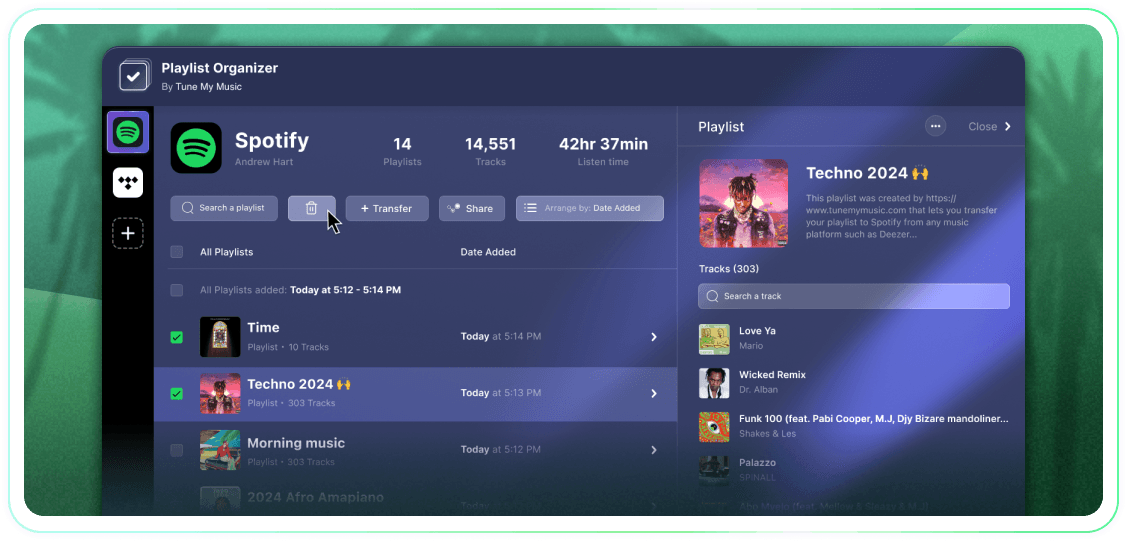
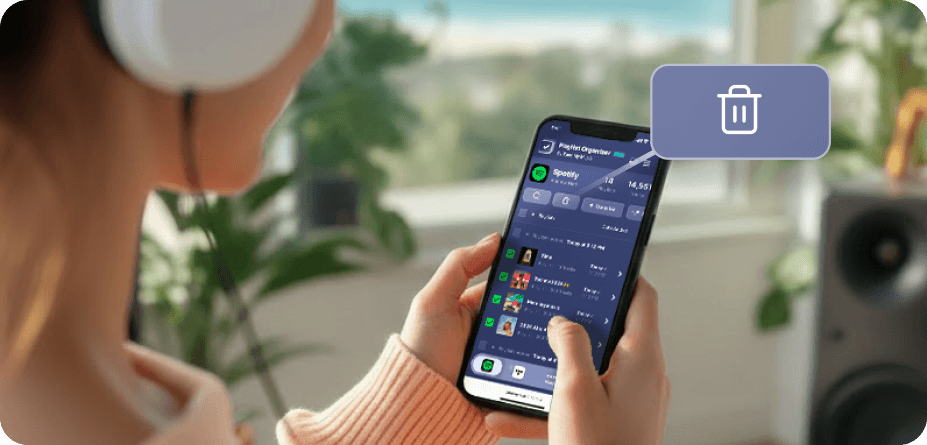
No Spotify (e em muitas outras plataformas), não há botões nativos de seleção e exclusão em massa.Portanto, quando você precisar deletar mais de uma playlist, verá que isso leva uma eternidade e parece muito mais difícil do que deveria.É por isso que criamos o Organizador de Playlists.Agora você pode selecionar quantas playlists quiser e excluí-las todas com um clique, de qualquer dispositivo - desktop ou móvel.
Como posso remover mais de uma lista de reprodução por vez?
Use o Organizador de Playlists para simplificar o processo.Comece navegando por sua coleção e selecionando qualquer número de playlists que deseja remover clicando nas caixas de seleção ao lado delas.Depois de fazer sua seleção, clique no botão de exclusão - e você está pronto.Isso permite que você gerencie e organize sua conta do Spotify facilmente, independentemente de quantas playlists você deseja remover de uma vez.
O que acontece com uma playlist que eu deixo de seguir?
Quando você remove uma playlist através do Organizador de Playlists do Tune My Music, nossa ferramenta utiliza a API do Spotify para "deixar de seguir" sua conta.Isso remove instantaneamente a playlist da sua biblioteca e da barra lateral do perfil, embora ela permaneça nos servidores do Spotify.Essa abordagem garante que sua exclusão não seja destrutiva: os seguidores não perderão o acesso, e você poderá restaurar completamente a playlist mais tarde através da sua página do Spotify "Recuperar Playlists" ou usando seu link direto.Por favor, note que enquanto você não estiver seguindo, perderá a habilidade de editar as faixas ou o título da playlist até que a siga novamente.
Organizador de listas de reprodução
Por Tune My Music